
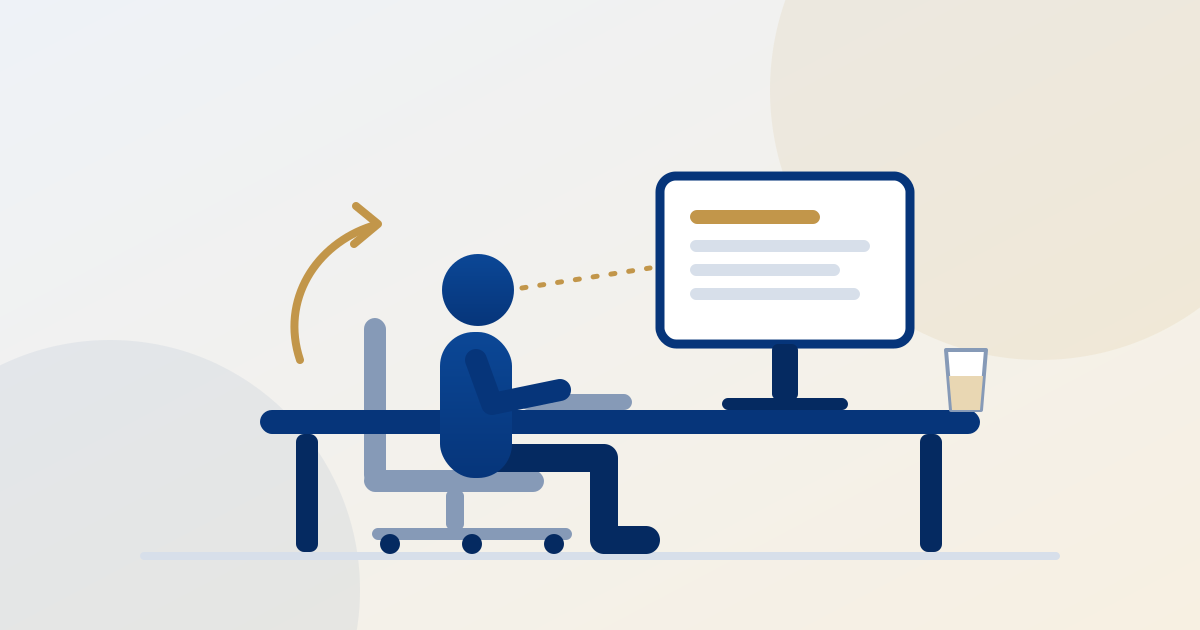
Perfect posture isn't the goal. Moving regularly and setting up your desk well matters far more for desk workers than holding one "correct" position all day.
Perfect posture isn't the goal for desk workers. Research on office workers suggests that moving regularly and changing position reduces musculoskeletal discomfort more reliably than holding one ideal posture. Five habits help: build in movement throughout the day, get proper lower back support, keep your elbows at your sides, set your screen at eye level, and check in with your position regularly.
When it comes to posture at a desk, we're not chasing perfection. Sitting in one "correct" position for eight hours a day isn't actually the goal, and it isn't realistic either. What matters far more is movement. The body is designed to move through posture, not hold it, and research on office workers backs this up. Studies looking at postural variability, meaning how often people shift position and change their sitting posture throughout the day, have found that regular movement and posture transitions reduce musculoskeletal discomfort more reliably than trying to sit in one ideal position.
With that in mind, here are five habits that make a real difference for desk workers.
1. Build in movement throughout the day
Since staying static is the real problem, the simplest fix is to build in natural movement breaks. A practical trick is keeping a small glass of water on your desk instead of a large bottle. Refilling a small glass means getting up regularly throughout the day, which keeps your spine and muscles from settling into one position for too long.
2. Get proper lower back support
A decent chair with lower back support makes a real difference. Sit with your hips right at the back of the chair, so the backrest can actually do its job and support your lower back, rather than perching forward with nothing behind you.
3. Keep your elbows at your sides
Your elbows should sit comfortably at your sides rather than stretched out to reach your keyboard. Reaching forward repeatedly places ongoing strain through the shoulders and upper back, which adds up over a full working day.
4. Set your screen at eye level
Your screen should be at eye level, directly in front of you, not off to one side. If you use two screens, try to position them so you're looking at both fairly evenly, rather than facing one directly and constantly turning toward the other. Along with this, your knees and ankles should ideally sit at roughly 90 degrees while you're seated.
5. Check in with your position regularly
Rather than trying to hold a single perfect posture, use it as a checklist to return to throughout the day. Combined with regular movement, this approach does far more for your spine and muscles over the long run than sitting rigidly still ever could.
Have a question about setting up your workstation? Feel free to reach out, we're happy to talk it through.
Related reading
- Posture-related pain from desk work
- Neck pain and stiffness
- The energy crisis inside a muscle knot
- Exercise: chin tuck
Sources
- Davis KG, Kotowski SE. Postural variability: an effective way to reduce musculoskeletal discomfort in office work. Hum Factors. 2014;56(7):1249-1261. View